
Your country & currency

Make yourself at home. Choose your preferred shopping currency.

Your selected country opens its KickHost website. Your shopping currency is saved. Visit country website .

Guide

How to Access the WordPress Admin Dashboard

WordPress is an easy to work with CMS software.

Share

WordPress is an easy to work with CMS software. To access a WordPress account, please follow these instructions:

1. Open https://example.com/wp-admin in the web browser. Do not forget to replace example.com with your domain name.

2. Enter your WordPress credentials and click on Login.
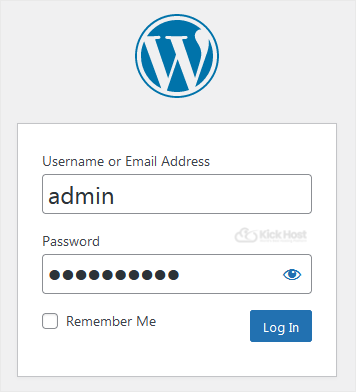
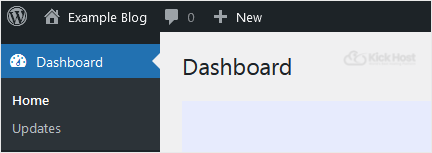
3. If your login details are correct, you will have successfully logged into the WordPress Dashboard.
Found this useful? Share it.

Need a hand with this?

Our team can help you choose the right domain, hosting or server and set it up properly.

Talk to our team See hosting plans