
Every mailbox in one place
Add, switch, reconnect and remove accounts whenever you need. Each mailbox keeps its own server settings, signature and identity.
Multi-accountMyEmail is a KickHost app for Android and iOS, built in partnership with HostGuru. Connect your mailbox over IMAP, POP or SMTP and keep every conversation in one calm place, on your phone, on your terms.
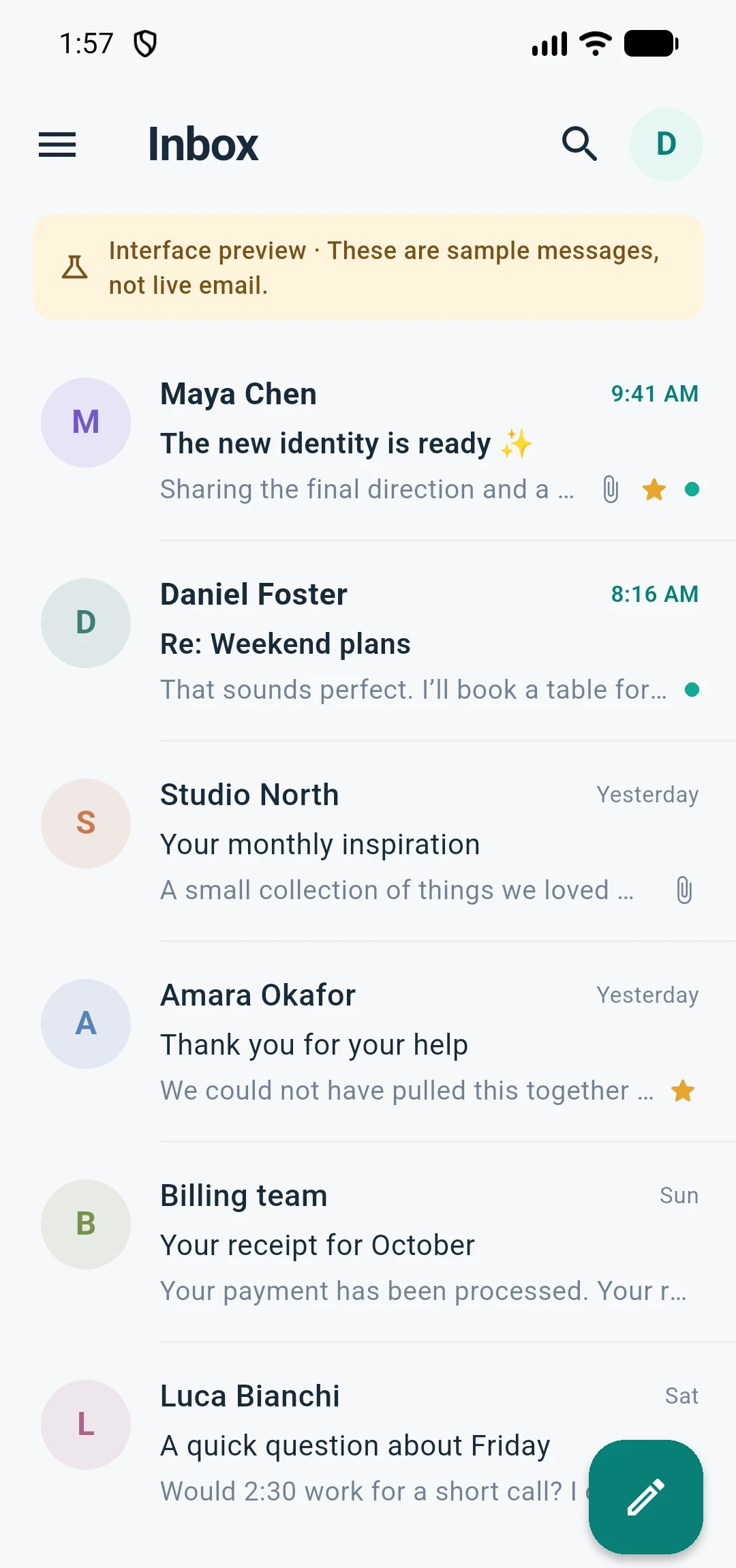
Actual MyEmail interface. Sample mailbox shown.
WHAT MYEMAIL DOES
Everything you expect from a modern email client, arranged around the way you actually read and reply from your phone.
Add, switch, reconnect and remove accounts whenever you need. Each mailbox keeps its own server settings, signature and identity.
Multi-accountMyEmail reads your server’s folder layout, so Inbox, Sent, Drafts and custom folders stay where you expect them, with read state in sync.
IMAP foldersReply, Reply All, Forward, multiple To, CC and BCC recipients, server drafts and a signature for each mailbox.
ComposeA five-second Undo Send gives you a moment to change your mind. Scheduled messages wait in an encrypted queue on your device.
Undo & schedulePick files with your phone’s own document picker, preview incoming images and text, and send up to 10 files or 15 MB in one message.
FilesAn encrypted offline cache keeps recent mail close by, while an optional app lock uses your phone’s biometrics or passcode.
On-device privacyUse MyEmail with your existing mail provider — no KickHost mailbox required.
YOUR MAILBOX STAYS YOURS
MyEmail talks straight to the mail server you choose. Your mailbox credentials are not sent to KickHost, and your email is not routed through us to reach your inbox.
Optional device protection adds a second layer: an encrypted offline cache and an app lock backed by your phone’s biometrics or passcode.
GETTING STARTED
MyEmail works with an existing mailbox. Add your address once and the app can attempt to discover the right server settings for you.
Enter your address and password. MyEmail attempts provider discovery so most mailboxes connect without extra settings.
Works with IMAP and POP accountsIf discovery cannot finish the job, set incoming IMAP or POP and outgoing SMTP manually. TLS port defaults are provided.
Independent incoming and outgoing settingsYour inbox and folders load, read state stays in sync, and replies send through your own SMTP server.
Add more mailboxes whenever you needEverything you need to know before you connect your first mailbox.
Talk to our teamREADY WHEN YOU ARE
Business email on your own domain is available from KickHost today. It works with MyEmail and every other mail client you already use.