




Connecting your domain name to your Facebook business website South Africa is a powerful step to boost your brand’s credibility, improve customer trust, and make your marketing more effective. Whether you’re starting with Facebook marketing in SA or looking to create a professional presence, linking your unique domain helps customers easily find and remember you. This guide walks you through the process, best practices, and common questions, so your Facebook business website South Africa shines in the competitive local market.
Table of Contents
Search a domainSecure your unique identity online by registering a domain today. It’s fast and easy! A memorable domain is the first step to building a trusted presence for your Facebook business website South Africa.
Why Connect Your Domain to Facebook?
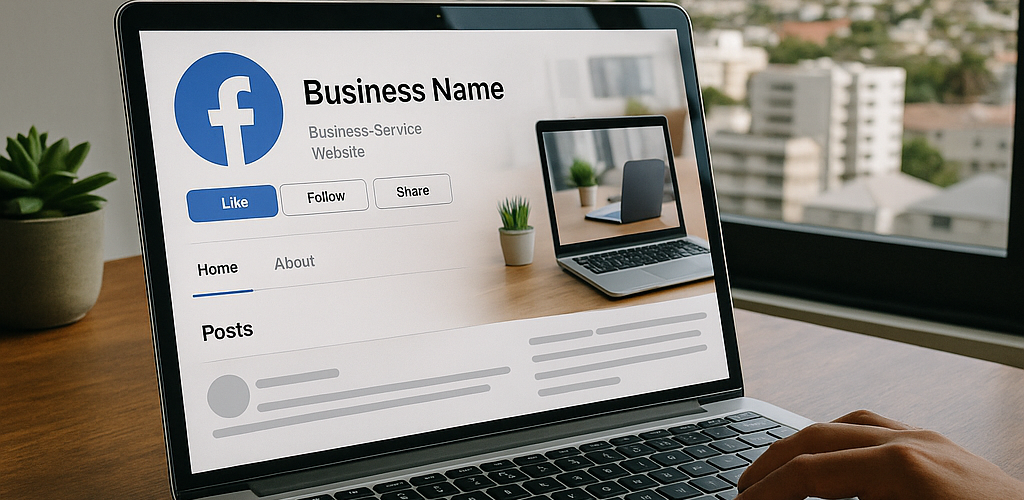
Linking your domain name to your Facebook business website South Africa increases professionalism, trust, and discoverability. Instead of sharing a long or complicated Facebook URL, you can promote a custom domain that forwards visitors straight to your Facebook page. This makes marketing campaigns, business cards, and online ads much more effective—especially when running local Facebook advertising services.
Some reasons South African businesses connect their domains to Facebook include:
- Enhancing brand credibility during digital marketing and increasing perceived value.
- Making it easier for customers to remember or type your web address, particularly in a mobile-driven market.
- Integrating your online presence across social media, Google search, WhatsApp, and other platforms.
- Preparing for future expansion: your domain can later point to a full website hosted on KickHost.
- Creating a unified digital identity for your brand, helping you stand out from competitors.
In South Africa’s digital economy, where trust and local relevance matter, using a branded domain to connect to your Facebook business website South Africa gives you an edge. Customers are far more likely to click on and remember www.yourbusiness.co.za than a long string of numbers or letters after facebook.com.

What You Need Before You Start
Before connecting your domain to Facebook, make sure you have the following ready:
- An active domain name: KickHost makes South African domain registration simple, including .co.za and other popular extensions.
- A published Facebook Page: If you haven’t created one yet, use the official guide to create a Facebook page for business.
- Access to your DNS panel: Log into your KickHost client portal or your current registrar’s dashboard.
Understanding the Domain Name System (DNS) can be helpful, but this guide covers the steps for beginners. Your registrar should also have support staff familiar with this process.
How to Connect Your Domain Name to a Facebook Business Website South Africa
Follow these straightforward steps to connect your domain and redirect it to your Facebook business page:
- Copy Your Facebook Page URL: Go to your page and copy the full URL (e.g.,
https://www.facebook.com/yourbusinessname). - Log in to Your Domain Registrar: Sign into your KickHost account or the provider where you registered your domain.
- Find URL Forwarding: Locate the section for managing DNS, URL Forwarding, or Domain Redirects. In KickHost, this is under “Manage Domains.”
- Set Up Domain Forwarding: Enter your Facebook page URL as the destination. Choose a **301 Redirect (Permanent)** for the best long-term results and SEO health.
- Save Changes: Confirm the setting and allow up to 24 hours for DNS propagation across South Africa.
If you want your domain to work with or without www, set up forwarding for both versions. KickHost’s support can assist if you get stuck, ensuring visitors reach your Facebook business website South Africa every time.
Tips for a Professional Facebook Business Website
To maximise the effectiveness of your Facebook business website South Africa, follow these best practices:
- Custom Branding: Use a domain that matches your business name for a seamless brand experience.
- Consistent Visuals: Ensure your cover photo, profile picture, and posts align with your brand identity.
- Regular Content: Post consistently to engage your South African audience and build authority.
- Clear Call-to-Action: Set up a shop section or use the “Contact Us” button to convert page visitors into customers.